9 Best Tailwind CSS Plugins You Should Know in (Animations, RTL, Typography & More)
Tailwind CSS remains one of the most popular CSS frameworks in 2025 and for good reason. Its utility-first approach makes building responsive, modern UIs fast and intuitive. But where Tailwind truly shines is in its plugin ecosystem.
Plugins supercharge Tailwind by adding new utilities, components, and features that streamline development. Whether you’re after smoother animations, RTL (Right-to-Left) layouts, enhanced typography, or pre-built UI elements — there’s a plugin that has you covered.
This guide rounds up the 9 best Tailwind CSS plugins in 2025, including official Tailwind add-ons like @tailwindcss/forms and @tailwindcss/typography, plus community favorites such as tailwindcss-animate ,tailwindcss-flip and more.
How to Install Tailwind Plugins
Installing a Tailwind plugin is simple:
npm install plugin-name
Then, in your CSS file:
@import "tailwindcss";
@plugin "plugin-name";
Or, for Tailwind v3 projects, register it in your tailwind.config.js.
If you’re searching for the best Tailwind CSS plugins in , this list covers everything from animation to RTL and typography.
🥇 1. NiraUI – The Most Popular Tailwind Component Library
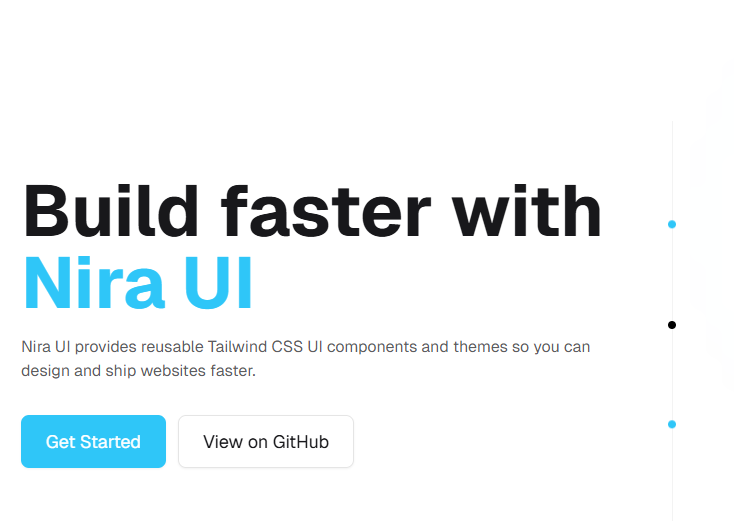
NiraUI tops the list as one of the best Tailwind CSS component libraries in 2025. It replaces repetitive utility class stacks with clean, semantic class names like button, card, alert, and modal.
Why developers love it:
Cleaner, more readable HTML
Built-in dark mode and theme support
Works right out of the box minimal setup required
How to Install NiraUI as Tailwind CSS Plugin
Adding a NiraUI Tailwind plugin is simple:
Install the NiraUI package via npm
npm i nira-ui
Import Tailwind and enable the Niar UI plugin in your main CSS file
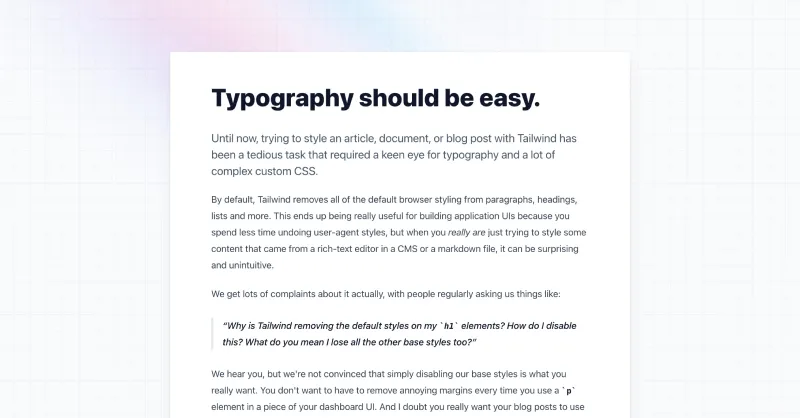
Now you can use the prose classes to add sensible typography styles to any vanilla HTML:
  Garlic bread with cheese: What the science tells us

    For years parents have espoused the health benefits of eating garlic bread with cheese to their
    children, with the food earning such an iconic status in our culture that kids will often dress
    up as warm, cheesy loaf for Halloween.


    But a recent study shows that the celebrated appetizer may be linked to a series of rabies cases
    springing up around the country.
Start by marking an element as a container using the @container class, and then applying styles based on the size of that container using the container variants like @md:, @lg:, and @xl:
By default they provide container sizes from @xs (20rem) to @7xl (80rem).
🌍 4. tailwindcss-flip – Right-to-Left (RTL) Language Support
Building for Arabic, Hebrew, or Persian audiences? tailwindcss-flip automatically flips directional utilities no manual work needed. All you have to do is to install it and add dir="rtl" to <html> tag.
Why developers love it:
Instant RTL support
Zero custom CSS required
How to Install tailwindcss-flip – Tailwind CSS RTL (Right-to-Left) Support Plugin
Install the plugin from npm:
npm install tailwindcss-flip --save-dev
Then add the plugin to your tailwind.config.js file:
Add dir=rtl attribute to the HTML tag or root element of your page. That's it, this plugin will automatically generate all the required utility classes for you.
📝 7. @tailwindcss/forms – Official Tailwind CSS Forms Plugin
The official @tailwindcss/forms plugin normalizes form elements for consistent, accessible design across browsers. It takes care of the messy defaults for inputs, selects, and checkboxes.
Why developers love it:
Ensures consistent form styling across all browsers
Improves accessibility automatically
Ideal for dashboards, sign-up pages, and contact forms
How to Install @tailwindcss/forms – Official Tailwind CSS Forms Plugin
Install the plugin from npm:
npm install -D @tailwindcss/forms
For Tailwind v4, you can use the following approach in your CSS configuration file:
Every element has been normalized/reset to a simple visually consistent style that is easy to customize with utilities, even elements like <select> or <input type="checkbox"> that normally need to be reset with appearance: none and customized using custom CSS:
Some of the most popular include NiraUI, @tailwindcss/forms, @tailwindcss/typography, tailwindcss-animate, and tailwindcss-flip for RTL support.
Install via npm i plugin-name, then enable it using the @plugin directive in your CSS file.
💡 Final Thoughts
Tailwind CSS is incredibly powerful — but with the right plugins, it becomes unstoppable.
From animations to RTL support, typography, and theming, these 9 plugins elevate your workflow and help you design polished, production-ready interfaces faster than ever.
And if you’re after a full suite of predesigned components?
👉 Try NiraUI — the Tailwind component library built for speed, flexibility, and modern design.
Author’s Note
These plugins were handpicked based on real-world use in production projects. All are active, well-maintained, and trusted by the developer community.